Ordertune Documentation
Ordertune is a professional algorithmic trading signal service covering the NASDAQ-100 — delivering daily entry and exit signals from a set of institutional grade strategies, with direct execution to Interactive Brokers for the signals you release.
Open interactive.ordertune.com →
What Ordertune Does
Every trading day, Ordertune processes the full NASDAQ-100 universe (OHLCV data via Polygon.io / Massiv.com), evaluates every institutional grade strategy in your tier catalog, and publishes entry and exit signals to your dashboard before the next market session. Signals arrive as structured data with exact order types, so you always know precisely what to send to your broker. Connect your Interactive Brokers account, and a signal you release reaches it in one click. Nothing is sent until you release it.
Core Features
Daily Signals
Daily entries and exits across the NASDAQ-100 universe — institutional grade, professionally coded — with exact order types (MOO, MOC, LOC, limit) delivered before the open.
Broker Execution
Release a signal and the Ordertune Bridge sends it to your Interactive Brokers account, then reports back what filled. Nothing is sent until you release it.
Email that has a reason
A summary after the close on days you actually traded, plus alerts when an order fails or your Bridge goes quiet. No mail on a day with nothing to report.
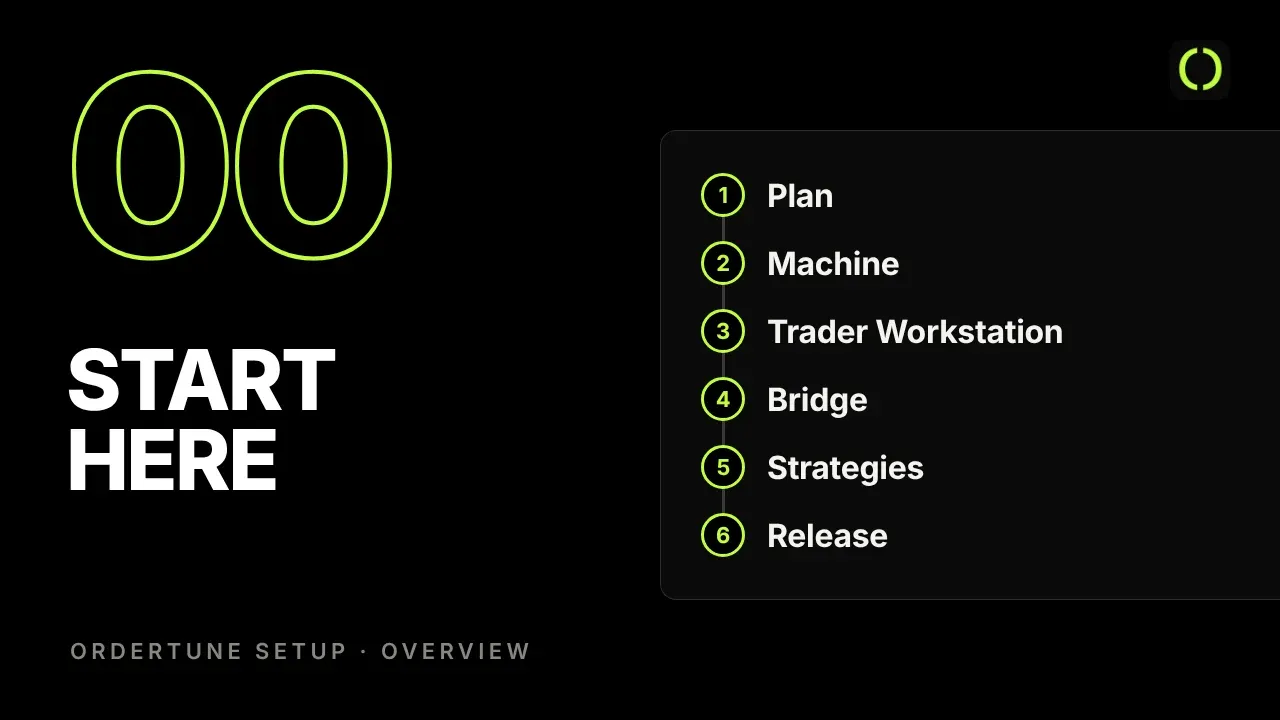
Set up in six steps
From a free account to your first order in your own Interactive Brokers account. About an hour, and most of it you do once. Every step has its own short video in the Setup Series and its own page here; the two say the same thing.
Hosted on YouTube. Only when you press play does your browser connect to YouTube (Google) and transmit your IP address. Open on YouTube instead
| Step | Video | Written guide | |
|---|---|---|---|
| 1 | Your plan and your account | 2:09 | Getting Started |
| 2 | Your machine | 3:44 | Broker Setup |
| 3 | Prepare Trader Workstation | 5:22 | Prepare TWS |
| 4 | Download, start and pair the Bridge | 6:59 | Download, start and pair, confirm |
| 5 | Choose strategies and position size | 4:09 | Execution |
| 6 | Your first release | 2:49 | Execution |
Start with your paper account. Every step is the same for live.
How to Navigate These Docs
| Section | What you’ll find |
|---|---|
| Getting Started | Your account, your plan, two-factor authentication, email alerts |
| Signals | How to read signals, strategy descriptions, Basket CSV format |
| Broker Setup | Your machine, Trader Workstation and the Ordertune Bridge |
| Execution | Strategies and position sizing, releasing, order states |
| Reports | Which emails you get, and when |
| FAQ | Common questions and troubleshooting |